Projection Mapping on Complex Surfaces-What You Need to Know
Published
- Projection Mapping
Projection mapping is often introduced as the process of projecting visual content onto a physical surface. On a flat screen, this can be relatively straightforward. But once the surface becomes curved, recessed, irregular, or three-dimensional, its physical geometry becomes part of the projection system.
The image needs to correspond with the shape, position, and depth of the surface it is projected onto. Different surfaces can therefore require different approaches to projector placement, coverage, geometric correction, and calibration.
This guide walks through some common projection surfaces, the challenges they can introduce, and the things to think about when planning a projection mapping setup.
Types of Projection Surfaces and Their Challenges
Complex projection surfaces can take many forms, but their challenges usually stem from curvature, changing angles, differences in depth, irregular geometry, and occlusion. And in many real-world installations, a single surface can involve several of these at once, which makes the projection setup more involved.Curved Surfaces
Curved surfaces include cylindrical screens, arc-shaped structures, and surfaces that bend continuously in one or more directions.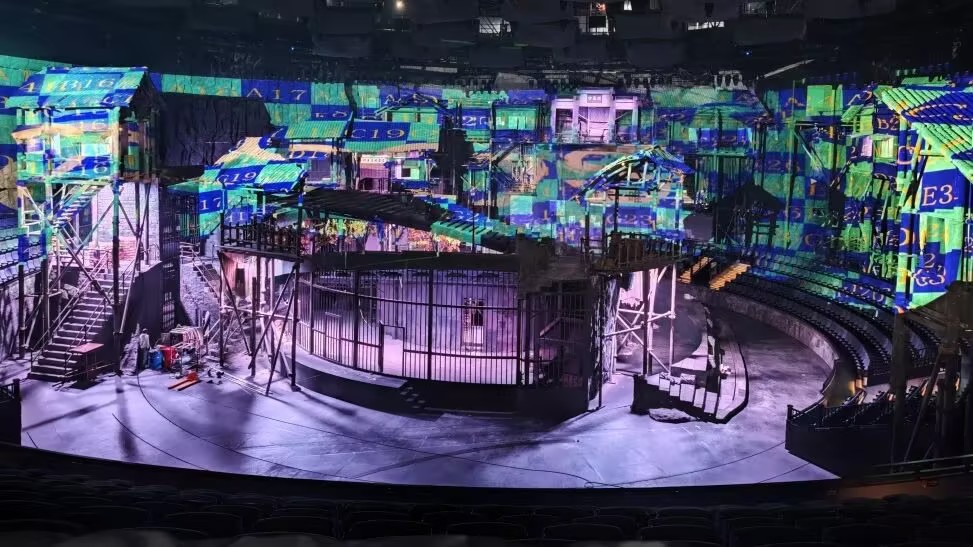
Unlike a flat screen, a curved surface does not have the same orientation at every point. The projected image therefore needs geometric adjustment to appear correctly positioned across the curve.
The degree of correction depends on the surface shape and projector arrangement. A simple cylindrical surface may have relatively consistent curvature, while a more complex structure can introduce changing angles and distances across the projection area.
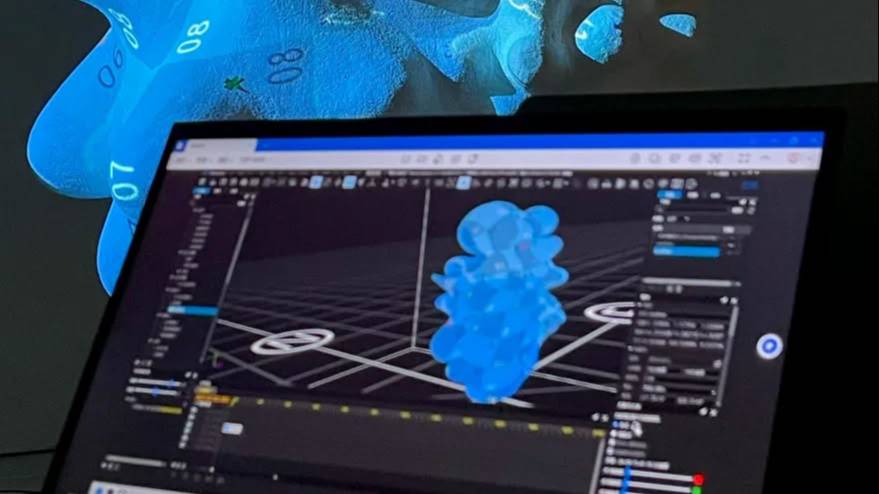
Large curved surfaces may also require multiple projectors, making coverage and overlap harder to assess from a conventional 2D view. A 3D representation can make this relationship easier to see, showing which areas each projector can reach and where their projection areas overlap.
This is where 3D mapping and projection simulation can be useful during the planning stage. hecoos provides both, allowing projectors and projection surfaces to be represented in a 3D environment and the planned setup to be visualized before installation.
Typical applications include:
●Curved projection screens
●Arc-shaped stages
●Panoramic installation
●Cylindrical structures
Domes
Domes introduce curvature in multiple directions, making them more demanding than surfaces that curve along only one axis.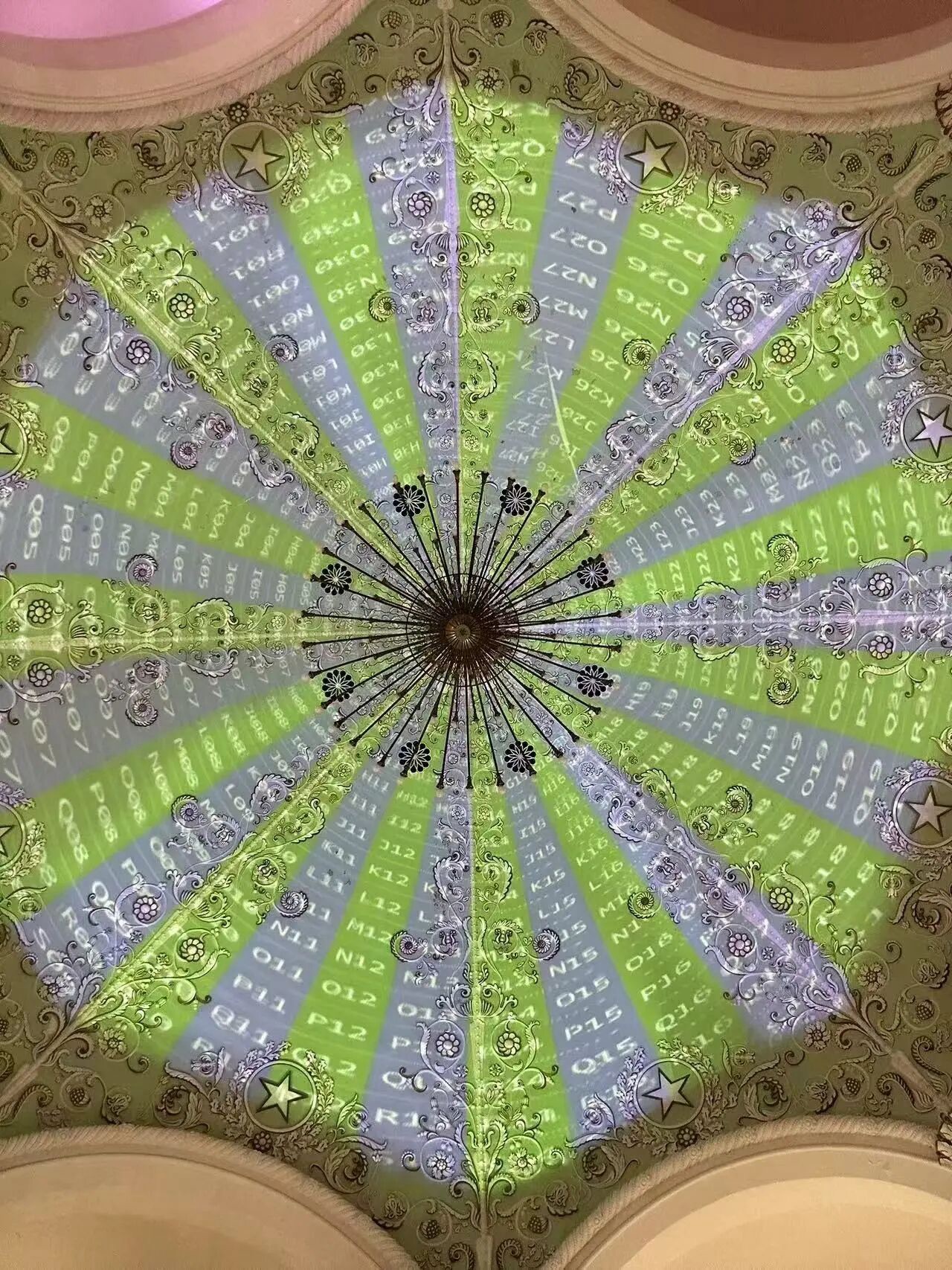
A projector positioned inside or outside a dome sees different parts of the surface at different angles and distances. The projected image must account for this three-dimensional geometry, while large domes may require several projectors to provide sufficient coverage.
Maintaining alignment across the entire field of view is particularly important. Small errors in projector positioning or geometric correction can become noticeable across the continuous curved surface, especially where multiple projections meet.
Typical applications include:
●Planetariums
●Immersive theaters
●Digital art installations
●Large-scale dome shows
Read more on hecoos' dome mapping case to understand the process: How Auto-Blending Simplified Dome Projection for Garden Expo
Irregular Architectural Surfaces
Buildings and architectural structures can combine flat sections, angled planes, recesses, protrusions, windows, and changes in depth. Unlike a surface with a consistent curve, their geometry can change repeatedly across the projection area.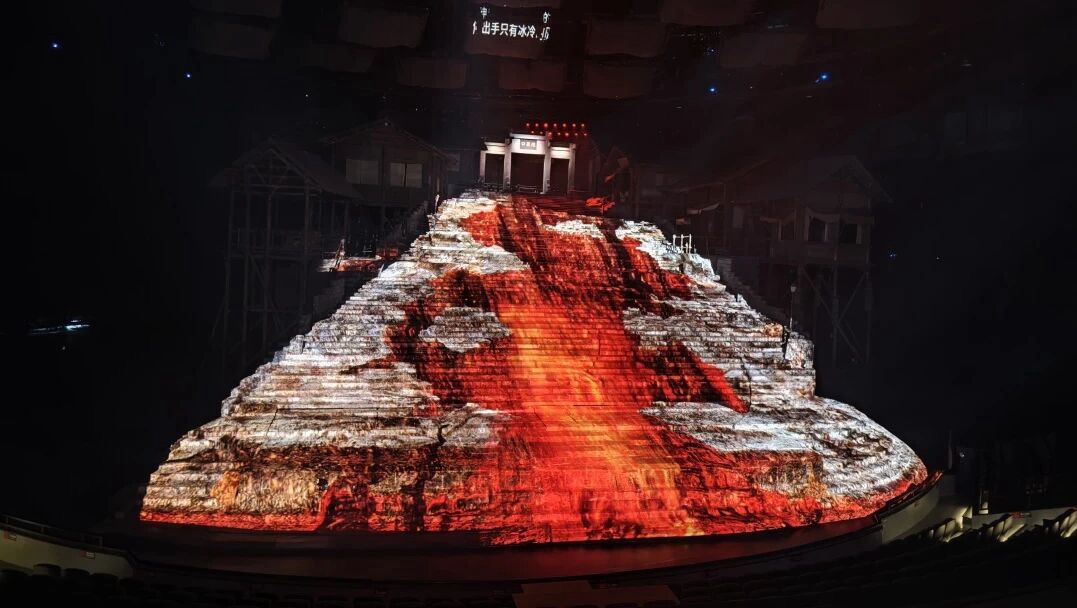
A window recess, for example, may sit at a different depth from the surrounding wall, while a column or ledge can change the surface angle and potentially block the projection.
Typical applications include:
●Building façades
●Themed architectural installations
●Stage structures
●Cultural and tourism projects
Freeform and 3D Objects
Freeform projection surfaces include sculptures, stage props, art installations, and other custom-built objects. They can combine curves, angled planes, recesses, protrusions, and different depths within a relatively small area.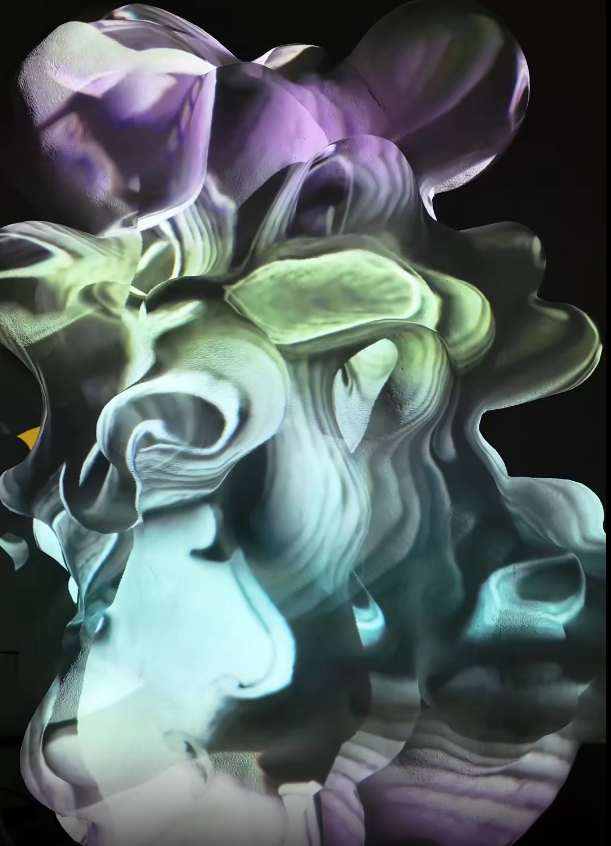
Different parts of the same object may face different directions, change depth abruptly, or be hidden from the projector by another part of the object. A single projection may therefore need to account for several geometric conditions at once, with some areas requiring additional correction or separate coverage.
Typical applications include:
●Sculptures
●Stage props
●Art installations
●Custom-built objects
Key Technical Considerations for Complex Surfaces
While each surface presents its own challenges, there are a few technical considerations that come up across most projection mapping setups, from projector placement to final image alignment.Projector Alignment
Projector placement is one of the first things to determine because it affects which parts of the surface can be illuminated, the angle of projection, and potential occlusion.
For a simple flat wall, there may be considerable flexibility in projector placement. For a 3D object with deep recesses or protruding sections, the available positions may be much more limited. A position that covers the front well may leave its sides or recessed areas poorly covered, while moving the projector can create gaps elsewhere.
Achieving complete coverage may therefore require changing projector positions, adding projectors, or accepting that certain areas cannot be reached from a single projection angle.
Coverage and Occlusion
A projector can only illuminate the parts of the surface that fall within its projection path. A large surface may therefore require multiple projectors. A complex object can create another problem: parts of the surface may be hidden from a projector by the object's own geometry. This is known as occlusion.
Adding another projector can provide coverage for an area that the first projector cannot reach, but its projection area must also be aligned with the rest of the system. For objects with significant occlusion, projector count and placement therefore need to be planned together.
Geometric Correction and Warping
Even with the projector in the right position, the image may not naturally fit the surface. Geometric correction reshapes the projected image so that it follows the physical geometry of the surface.
The type of correction depends on the surface. A flat surface may need perspective adjustment, while curved or irregular surfaces can require more detailed deformation across the image. In projection mapping, this is commonly referred to as warping.
Different surfaces therefore call for different levels of control. For example, an irregular object may need individual points to be adjusted, while a curved surface may call for a different approach.
hecoos supports this through three geometric deformation modes: Linear, Perspective, and Curve. Linear mode allows detailed adjustment of individual grid points for irregular projection surfaces. Perspective mode adjusts the overall image while preserving its proportions, while Curve mode is designed for curved surfaces. Curve Smoothing can also help keep adjustments symmetrical when shaping curved images.
Calibration
Even with careful planning, the physical installation may not end up exactly where it was in the virtual setup. Calibration helps bring the two into alignment by accounting for the actual relationship between the projector and the physical surface.
For complex 3D Mapping, this can be done by comparing known points in the virtual model with their corresponding points on the real-world surface. hecoos's Projector Calibration uses these differences to calculate and adjust the projector's position and orientation in the virtual scene, then outputs the corresponding media assets for the physical projection surface.
This is particularly useful when small differences between the planned and actual projector positions can affect how the image aligns with the surface.
Edge Blending
When multiple projectors cover the same surface, their projection areas usually need to overlap. Without correction, the boundaries between projectors can remain visible, particularly where brightness or image alignment differs.
Edge blending smooths these overlapping areas so that separate outputs appear as one continuous image. It works best when the projection areas are already geometrically aligned, since blending can soften a transition but cannot fix a mismatch in position or shape.
This makes blending part of the final alignment process, alongside geometric correction. In hecoos, Output Slices support both Geometry Correction and Blending. It can also import blending files generated by Scalable's auto-blending function, allowing pre-calculated blending adjustments to be brought into the hecoos workflow.
Simulation and Pre-Planning
For complex installations, it can be useful to work through the projection setup before the projectors arrive on site. A digital model of the surface can be combined with virtual projectors to look at questions such as:
●Where should the projectors be positioned?
●Which parts of the surface can each projector cover, and where might occlusion occur?
●Where will the projection areas overlap, and will additional projectors be needed?
This kind of simulation gives you a way to test the planned setup before dealing with the physical installation. It does not replace calibration, but it can help identify coverage and positioning issues earlier.
If you're working with a complex 3D surface, hecoos provides 3D Mapping and Projection Simulation tools that can be used to build and test this setup in a virtual environment before installation.
Read how previsualization can help you save calibration time: 47 Projectors, 1 Day for Calibration
Conclusion
The surface is a fundamental part of any projection mapping setup. A flat wall, curved screen, dome, architectural façade, or three-dimensional object can all be used for projection mapping, but each brings different considerations for projector placement, coverage, geometric correction, blending, and calibration.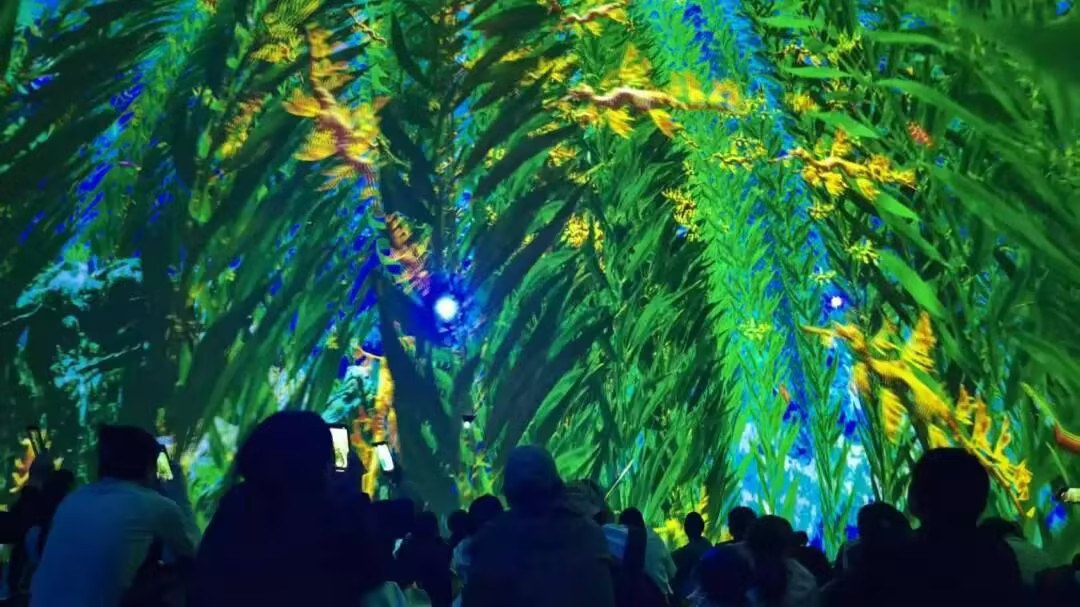
Thinking through these factors before installation can help determine the right projector setup, identify potential coverage and occlusion issues, and reduce the amount of adjustment needed on site. The goal is to make the projected image work with the shape and position of the physical surface.
If you're planning a projection mapping project, hecoos provides tools for 3D Mapping, projection simulation, geometric correction, calibration, and multi-projector setups that can help you plan and manage these challenges.